

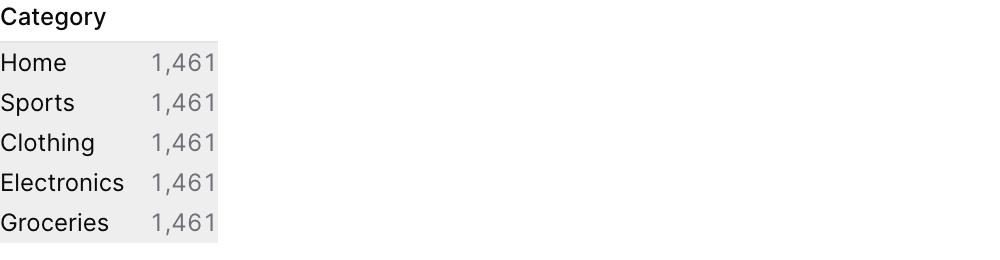
Examples
Basic Usage
With Explicit Dimensions and Metric
Using Filter in Query
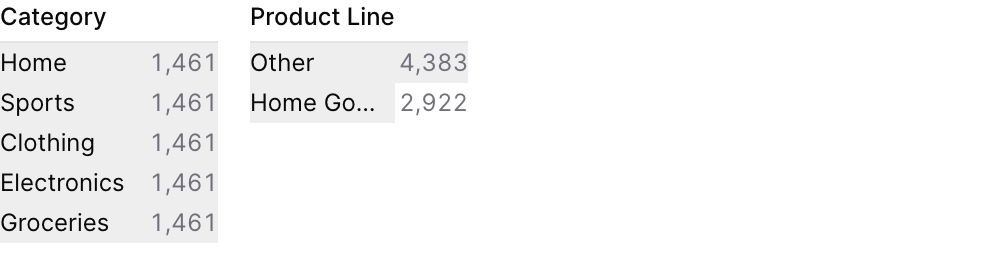
Attributes
The id of the dimension grid to use in a
filters propName of the table to query
Array of column names to display as dimensions. If not provided, auto-detects string columns.
SQL aggregation expression (default: count(*))
Label displayed above the metric values
Format code for the metric values (e.g., “num0”, “usd”, “pct1”). See Value Formatting for available formats.
Maximum number of values to show per dimension (default: 10)
Allow multiple selections per dimension (default: true)
Array of filter IDs to apply when querying dimension values
SQL WHERE clause to filter data
Title displayed above the dimension grid
Subtitle displayed below the title
Use date_range to filter data for specific time periods. Accepts predefined ranges (e.g., “last 12 months”), dynamic ranges (e.g., “Last 90 days”), custom date ranges (e.g., “2020-01-01 to 2023-03-01”), or partial ranges (e.g., “from 2020-01-01”, “until 2023-03-01”)Example:Attributes:
- range:
string- Time period to filter. Use presets like ‘last 7 days’, dynamic patterns like ‘Last 90 days’, custom ranges like ‘2020-01-01 to 2023-03-01’, or partial ranges like ‘from 2020-01-01’.- Allowed values:
todayyesterdaylast 7 dayslast 30 dayslast 3 monthslast 6 monthslast 12 monthsprevious weekprevious monthprevious quarterprevious yearthis weekthis monththis quarterthis yearnext weeknext monthnext quarternext yearweek to datemonth to datequarter to dateyear to dateall time
- Allowed values:
- date:
string- Date column to filter on. Required when the data has multiple date columns.
Set the width of this component (in percent) relative to the page width
Using the Filter Variable
Reference this filter using{{filter_id}}. The value returned depends on where you use it.
| Context | Default Property | No Selection | Result |
|---|
Available Properties
You can also access specific properties using{{filter_id.property}}:
.filter
Returns a complete SQL filter expression combining all dimension selections. Returnstrue when no values are selected.